
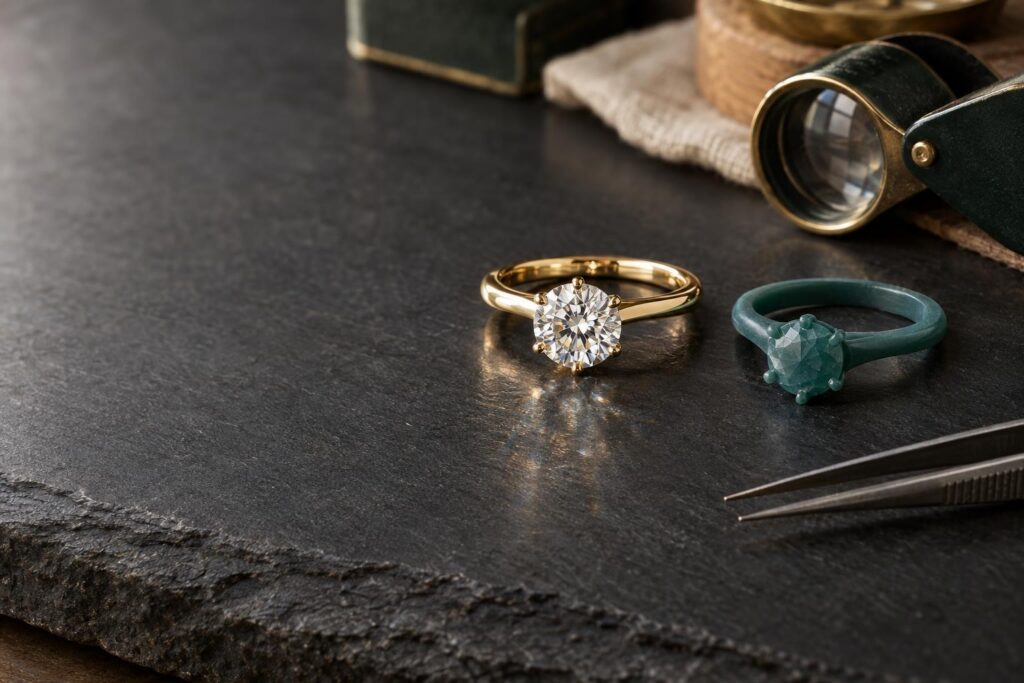
Why a CAD ring render is worth understanding
You have approved a 3D picture of your custom ring, and you are waiting for the real thing. Will the ring in the box look like the ring on your screen? The answer depends on which part of the picture you look at.
Why does that matter? A CAD ring render is a ‘photorealistic image’ made by software from a 3D model, before the ring exists 1. Knowing what it shows well, and what it can’t, helps you approve your design with confidence and ask the right questions.
- Shape and layout come from a CAD model, and the finished file can be sent to a machine for production 1.
- Stone colour and sparkle in a render are settings chosen by the person making it 2.
- Calibration and profiling are used to get consistent colour from one screen to another 5.
- Some fine details, such as tiny metal beads along an edge, can sometimes only be added after production 3.
- Written measurements in millimetres are worth asking for alongside the picture.
How is a CAD ring render made?
Why does it help to know how a render is made? Because each step explains what the picture can tell you, and what it can’t. CAD stands for computer-aided design, which means designing a 3D object on a computer. Its partner, CAM (computer-aided manufacturing), makes that object with a computer-controlled machine 1.
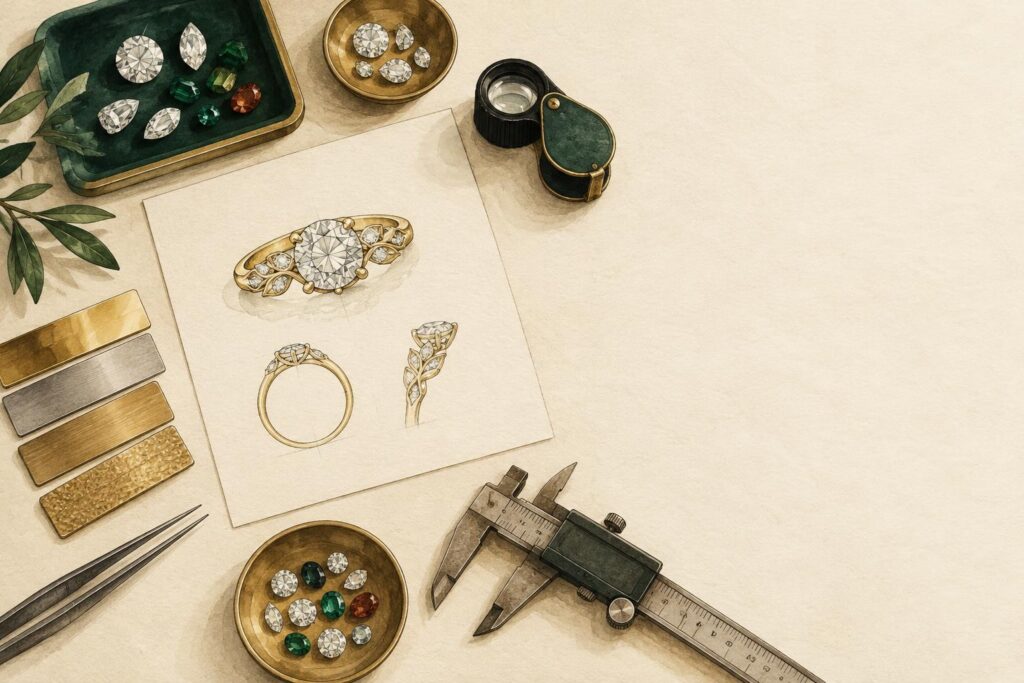
The designer builds your ring as a ‘virtual solid’. It can be turned and viewed from any angle on screen, and even weighed before anything is made. Rendering software then turns the model into a ‘photorealistic image’ before the ring exists 1.
Why you may see a ‘presentation’ version
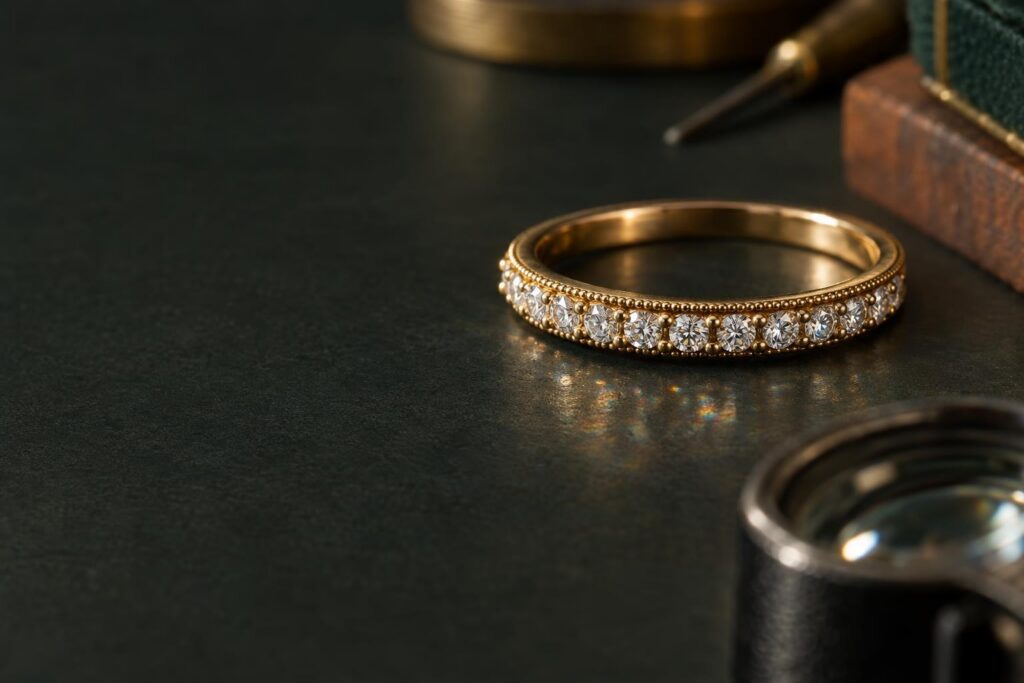
Why might your render differ a little from the file the workshop uses? Some details can sometimes only be added after the ring is made. These include fine millgrain (a row of tiny metal beads along an edge), finished claws (the small metal prongs that hold a stone) and subtle metal textures 3.
When this happens, these details are left out of the production model, which is the version that is milled or printed. They are often added to a separate ‘presentation’ version that the customer sees. Its job is to look more like the finished piece, as ‘a lifelike rendering to your customer for approval’ 3.
How the model becomes metal
Why does the step from screen to metal matter? Because it explains what happens between the render and the ring. One common method is investment casting, also called lost-wax casting. A 3D-printed pattern of your ring is coated in a heat-resistant material, called the investment, and then burned out. Metal is poured into the hollow space left behind 4.
Post-curing, a final hardening step for printed patterns, may cause a small degree of shrinkage, under 1%. Very sharp corners and edges are best avoided, because they increase metal turbulence and concentrate stress in the mould 4.
Why shape and layout are worth checking in a render
Why look closely at the shape you see? Because the render is made from the CAD model, and when that virtual model is finished, the file can be sent to a CAM machine for production 1. If a presentation version was made, ask what differs from the production model.
You can use the render to look at the band width, how high the centre stone sits, where any accent stones go, and how the parts join. A CAD model can be turned and viewed from any angle 1. So you can ask to see the side and the top, not only the front.
Why a render can’t show everything
Why do some parts of a render need a second look? Some of what you see depends on your screen, and some is set by hand in the software. The sections below cover metal colour, stone sparkle, claws and fine details, and size.
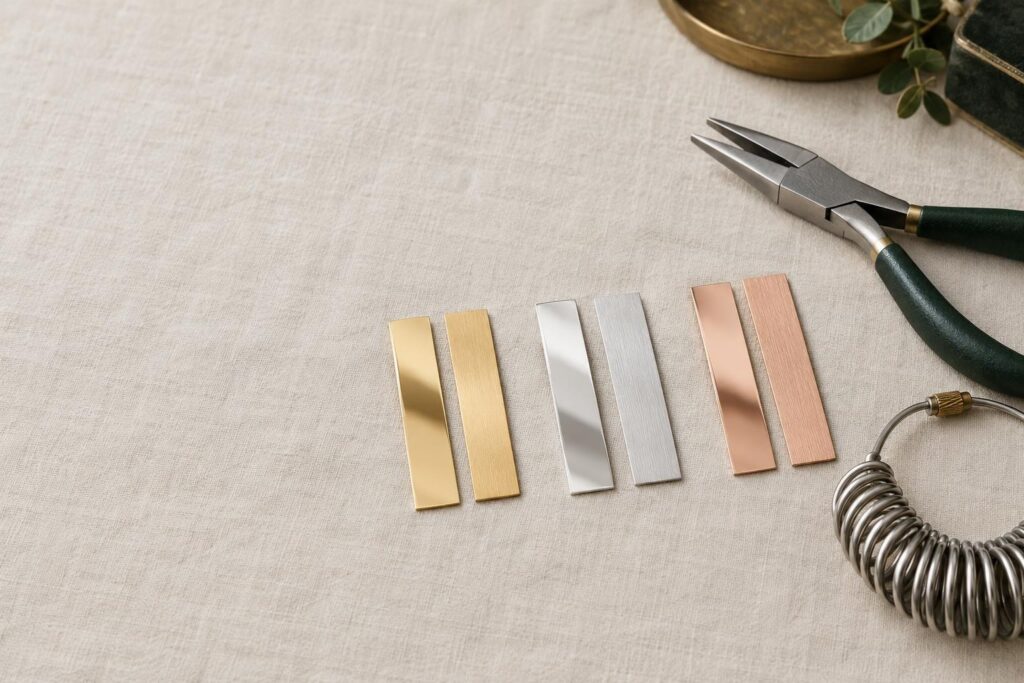
Why metal colour can look different on your screen
Why might gold on your phone look different from gold in your hand? One reason is the screen. Calibration and profiling, which set up a screen to show colour accurately, are used together to get consistent colour. They help on-screen colours match the image, so those colours can also be matched on another display, a print or a projector 5.
Another reason is the software. Metal finishes in a render, such as a brushed texture on yellow metal, are applied as render materials 3.
Real gold colour comes from its alloy, the mix of pure gold with other metals such as copper and silver. That mix decides the shade, from bright yellow to a deeper, softer tone. In rose gold, the amount of copper decides how pink it looks 6. You can read more in 9ct vs 14ct vs 18ct gold.
Why the sparkle in a render is a setting
Why does the stone in a render sparkle the way it does? Because its look is built from settings chosen by the person making the render. In the manual for one rendering program, KeyShot, the refractive index (a number for how strongly a stone bends light) is set by hand. Its default is a general value that ‘will need to be adjusted depending on the gem’ 2.
Another setting controls dispersion, also called fire: the flashes of rainbow colour you see when white light splits. At zero there is no fire, low values give heavy fire, and higher values make it subtler. The stone’s colour is set by hand too, so the stone’s look depends on these choices 2.
To understand what creates sparkle in a real diamond, see brilliance, fire and scintillation explained.
Why claws and fine details need a closer look
Why might the claws in your render not show exactly how the stone is held? The KeyShot manual gives an example. In a diamond ring’s prongs, the real bending made when the stone is fixed is not modelled, and the prong and stone shapes simply overlap 2.
Some fine details also depend on how they are made. One milling machine can make millgrain beads down to 0.6 mm across, and finer millgrain is added by hand 3. If these details matter to you, ask how they will be made.
Why size on your hand needs numbers, not just a picture
Why ask for numbers as well as pictures? A render shows how the ring looks, while written measurements in millimetres describe its size. Ask for the band width and the stone size in millimetres. A CAD model can even be weighed before it is made, so you can ask about weight too 1.
The Carat to Millimetre Estimator turns carat, a unit of weight for gemstones, into an approximate width. For more on this, see carat weight vs visible size. 3D printers can also make try-on pieces for customers, so you can ask whether one is possible 4.
The downsides: when a render alone isn’t enough
Why not rely on the render alone? These images can be very effective marketing and sales tools 1. That is a reason to read the written details as carefully as you look at the picture.
- Exact metal colour matters, for example to match another ring. With larger-colour-range setups, users accept that a small proportion of colours may not display correctly 5.
- You are choosing between stones by how they sparkle. Fire in a render is a setting chosen by a person 2.
- Size on the hand is your main worry. A 3D-printed try-on piece is one option you can ask about 4.
- Fine details, such as millgrain or a textured finish, matter a lot to you. Some of these can sometimes only be added after production 3.
In these cases, you can ask whether metal samples, the actual stone or a try-on piece can be seen alongside the render. Which of these matters depends on what you care about most in the finished ring.
What should you check before you approve a render?
Why check carefully at this stage? Because once the virtual model is finished, the file can be sent to a machine for production 1. The written details matter as much as the picture, so check both. For the wider steps, see how the custom jewellery process works.
- Views from every angle: front, side, top and through the band.
- Measurements in millimetres: band width, stone size and how high the stone sits.
- The metal written in words, such as 18ct (18K) yellow gold, rather than judged by colour on screen. Karat (K) is the measure of gold purity, where 24 karats is pure gold 6.
- The stone details: type, shape, size and whether it comes with a laboratory report. See how to read a GIA diamond grading report.
- The number and position of claws. Four claws vs six claws explains the trade-offs.
- Which details, if any, will be added after production, such as millgrain or textured finishes 3.
- Whether you are seeing a presentation version, and what differs from the production model.
- Your ring size in writing, with the sizing system named. The Ring Size Converter helps if you are unsure.
At Ralph Jacobs, you approve the design (CAD/render), stone, size and engraving in writing before we start, and the render is a visual guide, not an exact photo. If you’d like to talk through a render or a design idea, we offer a free consultation online from anywhere at bookings.ralphjacobs.org, or on WhatsApp or at our showroom.
Frequently asked questions
In a render, sparkle comes from settings such as refractive index and dispersion, chosen by the person making the image 2. So the render shows those choices. If sparkle matters to you, ask whether you can see the actual stone.